
← Work

CogniFit · IQ Test · Web design

Give curiosity a form.

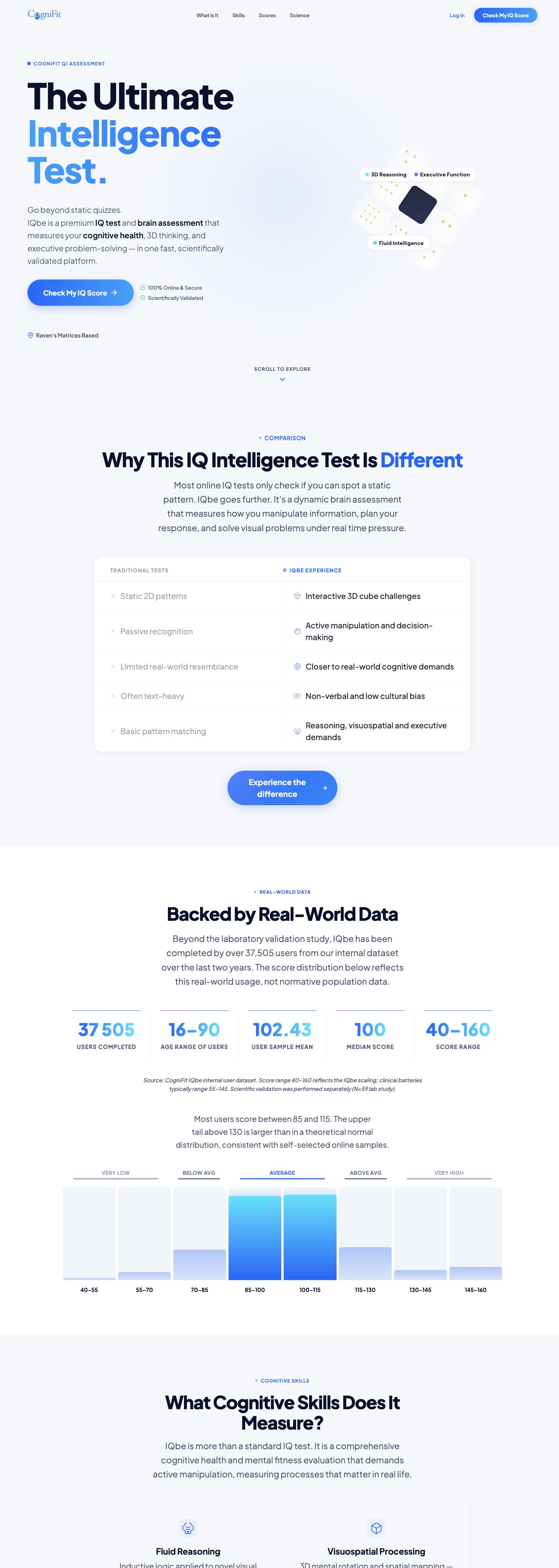
The CogniFit IQ assessment page, with a distinct visual language introducing the experience.

My role
Web page design and creation.
cognifit.com/iq-test
CogniFit · IQ Test — published website capture
Visit the live website ↗

UX/UI · Website

The challenge

How do you introduce an interactive reasoning assessment to someone looking for an IQ test? The page needs to explain the experience, the skills involved and score interpretation before inviting visitors to begin.

Reading journey

  1. 01Discover the test
  2. 02Understand the interaction
  3. 03Read about skills and scores
  4. 04Access the assessment

Decisions visible in the design

01

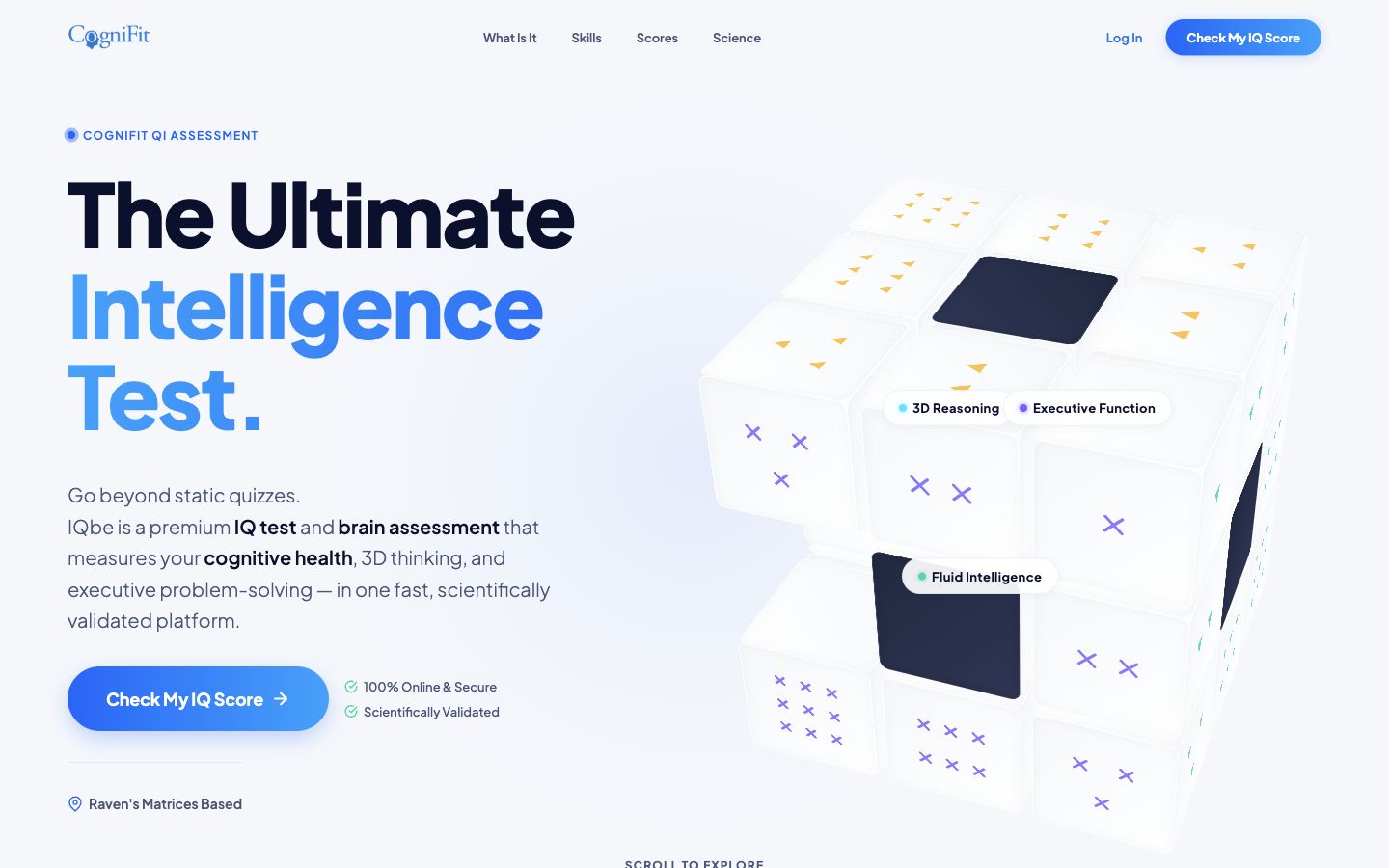
Show the type of experience

The three-dimensional cube puts visual reasoning at the centre of the first impression. Labels connect the object to cognitive skills. The composition brings communication closer to product behaviour without reproducing the full assessment.
Show the type of experience
02

Answer before asking for a decision

Comparison, skills, process and score interpretation structure the explanation. The sequence moves from initial curiosity to a concrete description of what the assessment involves.

03

Add depth without interrupting reading

Validation details and FAQs use expandable content. Supporting information remains available to readers who need it, while CTAs retain a recognisable action throughout the page.

The delivery

A published page combining visual presentation, product explanation, supporting information and an entry point to the assessment.

Materials behind the case

Public page reviewed on 23 October 2026; hero capture; local development files and review captures.

Scientific data presented by the product are not design outcomes. No conversion improvements or undocumented user tests are claimed.